
Wristband Printing Integration with EHR: HL7, FHIR, and Workflow Automation
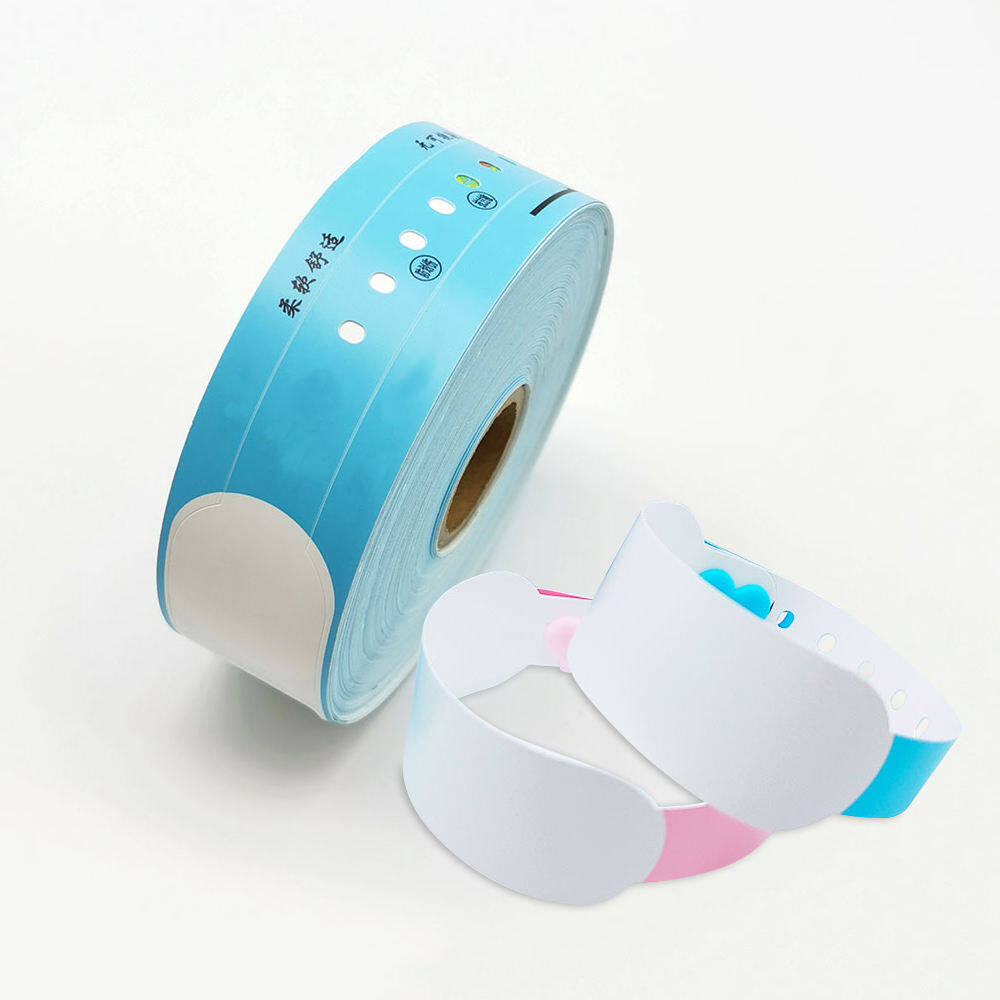
The patient identification wristband is the most fundamental safety artifact in modern healthcare. Before a medication is administered, a blood sample is drawn, or a procedure is performed, the wristband serves as the physical anchor that links the patient to their electronic record. When that link fails—when the wristband is missing, illegible, or carries incorrect information—the entire safety chain is compromised. Research has demonstrated that bar code-related patient misidentifications can occur even with standard linear barcode technology, with minor imperfections in printing or scanning equipment leading to incorrect patient identifiers being generated and transmitted to the wrong medical record. The stakes of getting wristband printing right are therefore not merely operational. They are clinical.
For IT and nursing informatics teams, the challenge is not simply selecting a printer or a wristband material. It is designing an integration architecture that ensures the right information reaches the right wristband at the right time, with minimal human intervention and maximal reliability. Manual wristband printing workflows—where a nurse navigates to a patient record, selects a wristband template, and initiates a print job—introduce opportunities for error at every step. The nurse may select the wrong patient, enter incorrect information, or simply forget to print a replacement band when one is needed. Electronic health record integration with automated print triggers eliminates many of these failure points.
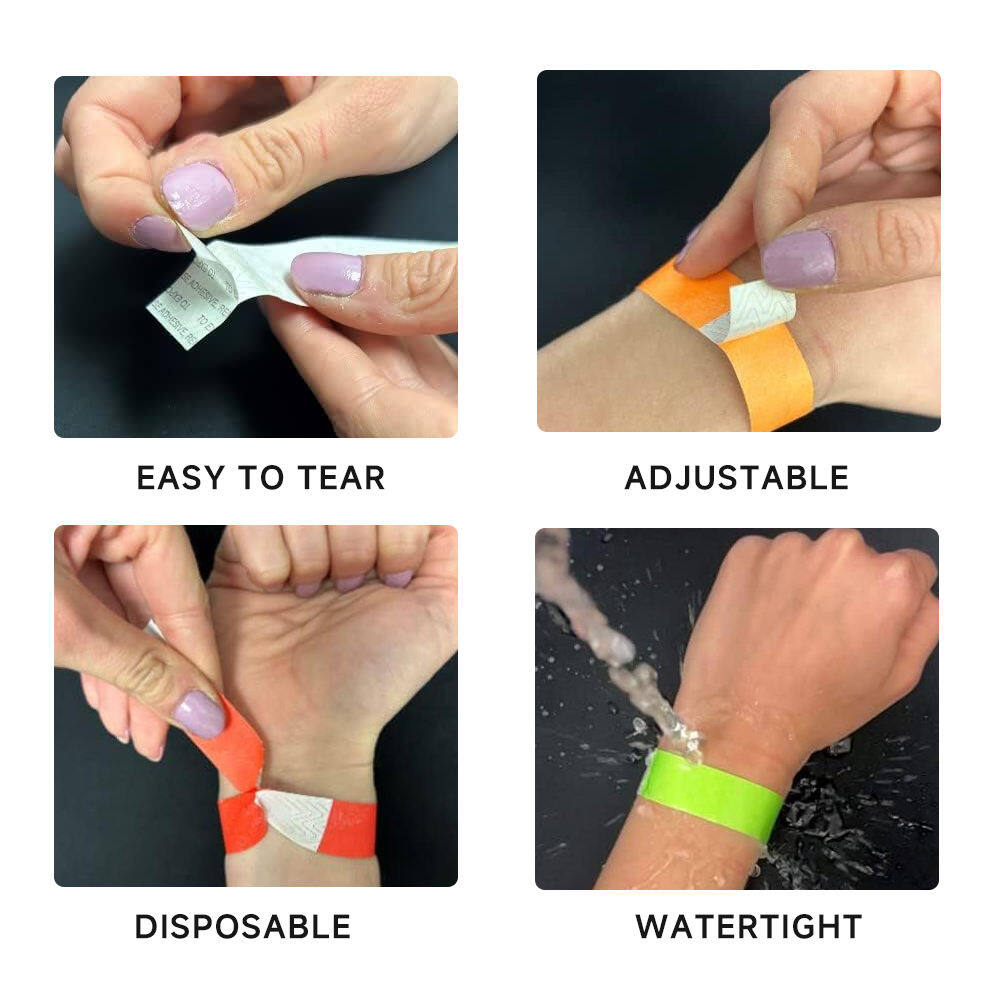
The Joint Commission does not mandate the use of armbands, but it is explicit that when armbands are used as a means of conveying patient identification information, the band must be attached to the patient at all times and must not be placed on a bedside table or taped to the bed. The wristband is not the identifier itself; the person-specific information it carries is the identifier. This distinction matters for integration design: the wristband printing system is not creating identification data, it is faithfully reproducing data that already exists in the EHR. The integration layer must ensure that this reproduction is accurate, timely, and auditable.
Understanding the Interoperability Landscape: HL7 v2 and FHIR
The two dominant standards for healthcare data exchange—HL7 v2 messaging and FHIR (Fast Healthcare Interoperability Resources)—offer different approaches to wristband printing integration. Understanding their respective strengths and limitations is essential for informatics teams designing a print automation strategy.
HL7 v2 remains the most widely deployed healthcare messaging standard in the world. It uses delimited text messages to convey events such as patient admission (ADT A01), transfer (ADT A02), and discharge (ADT A03). A wristband printing integration built on HL7 v2 typically involves an interface engine that listens for ADT messages from the EHR or patient administration system. When an admission message is received, the interface engine parses the patient identifiers—name, medical record number, date of birth, and other demographics—and passes them to a wristband printing application or middleware layer, which then triggers the printer.
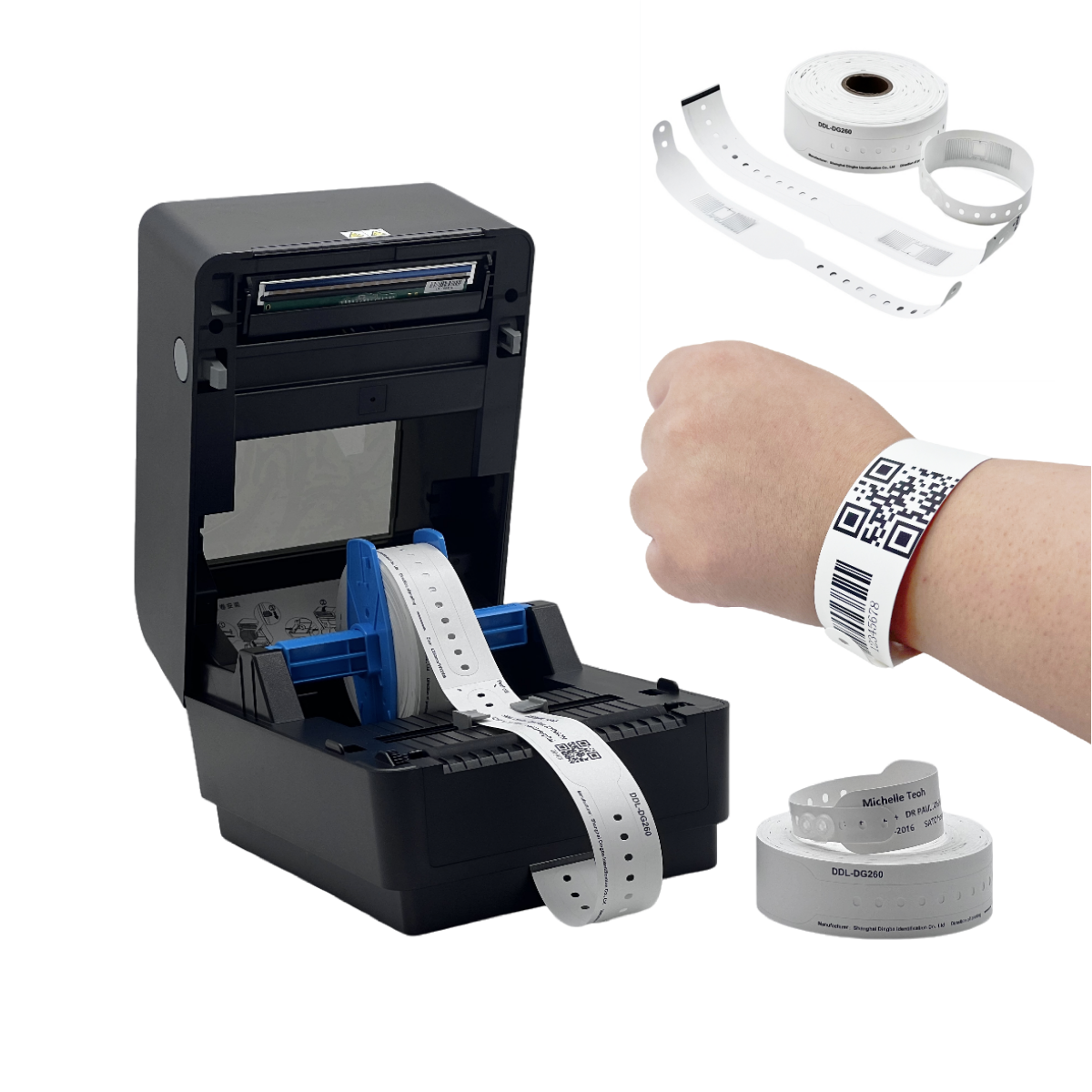
The HL7 v2 approach is mature, well understood, and supported by virtually every EHR vendor. It is also event-driven, meaning that print jobs are triggered by real clinical events such as admission or transfer rather than by manual operator action. This event-driven architecture is the foundation of automated wristband printing.
FHIR, the newer standard developed by HL7 International, takes a resource-oriented approach to healthcare data. In FHIR, a Patient resource contains structured fields for identifiers, name, gender, birth date, contact information, and other demographic data. FHIR APIs are RESTful, meaning that a printing application can query the EHR for a specific patient resource using a standard HTTP request, then extract the fields needed for the wristband.
The FHIR Patient resource is particularly well suited to wristband printing because its structure maps naturally to the information that appears on a wristband. The identifier field can carry the medical record number and any other institutional identifiers. The name field supports multiple name representations, including official and preferred names. The birthDate field provides the date of birth that is typically printed on pediatric wristbands for verification. For organizations implementing new integration projects, FHIR offers a more modern, developer-friendly approach that aligns with broader health IT interoperability initiatives.
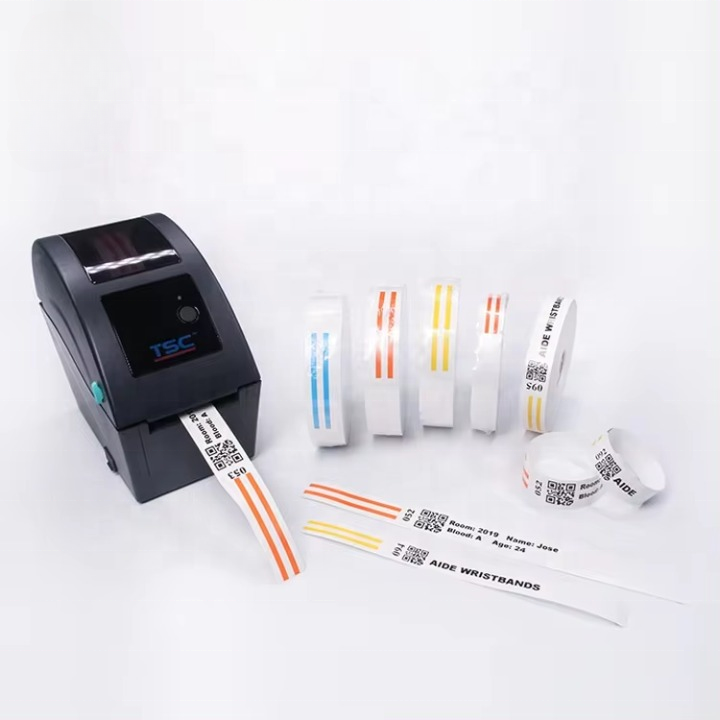
The choice between HL7 v2 and FHIR often depends on the existing infrastructure. Organizations with mature HL7 v2 interface engines and established ADT workflows may find that extending those workflows to trigger wristband printing is the path of least resistance. Organizations building new integration capabilities, or those with FHIR-enabled EHRs, may prefer a FHIR-based approach that leverages modern API patterns and more granular resource access.
The Integration Architecture: From ADT Event to Printed Wristband
A robust wristband printing integration architecture typically comprises several layers, each with specific responsibilities and failure modes.
The first layer is the event source. This is the EHR or patient administration system that creates or updates patient records. When a patient is admitted, transferred, or has their demographics updated, the EHR generates an event. In HL7 v2 terms, this is an ADT message. In a FHIR environment, this might be a subscription notification or a trigger from a workflow engine.
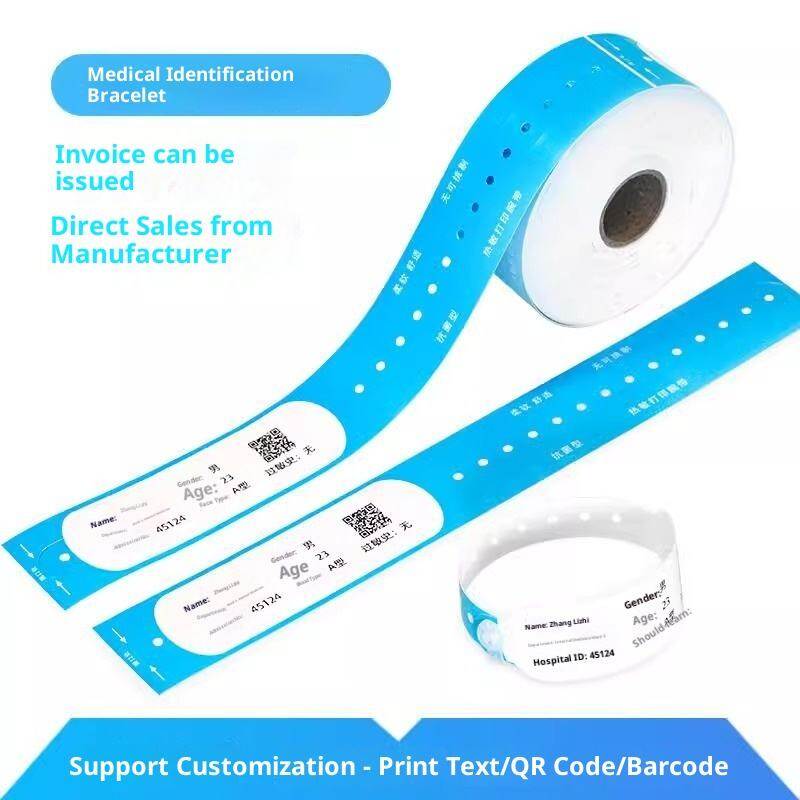
The second layer is the interface or middleware. This component receives the event and translates it into a print instruction. In an HL7 v2 architecture, the middleware listens for specific message types and segments, extracts the relevant patient identifiers, and formats them according to the wristband template. In a FHIR architecture, the middleware queries the Patient resource and applies business rules to determine what information should appear on the band.
Middleware plays a critical role in scenarios where the EHR itself cannot directly communicate with the printer. A GS1 UK case study involving NHS trusts in the WYAAT (West Yorkshire Association of Acute Trusts) group illustrates this pattern: the trusts deployed middleware to take information from electronic patient records and encode it onto a GS1 DataMatrix barcode readable by data collection devices, incorporating application identifiers and check digits without altering the underlying PAS system. This approach allows organizations to achieve standards compliance and print automation even when the source system lacks native support for the required barcode symbology.
The third layer is the print trigger and job management. This component receives the formatted data from middleware and sends it to the appropriate printer. Print management involves not just sending the data, but also handling printer status, queue management, and reprint requests. A physical Reprint button on the printer itself can be valuable for allowing staff to duplicate labels instantly without navigating back through the EHR interface.
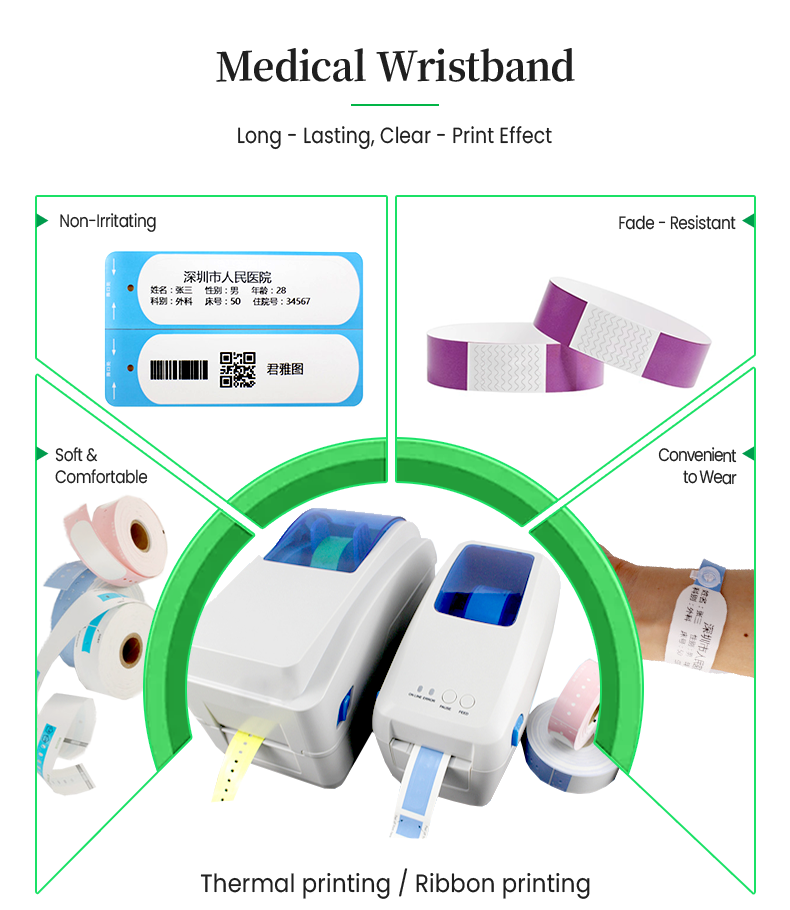
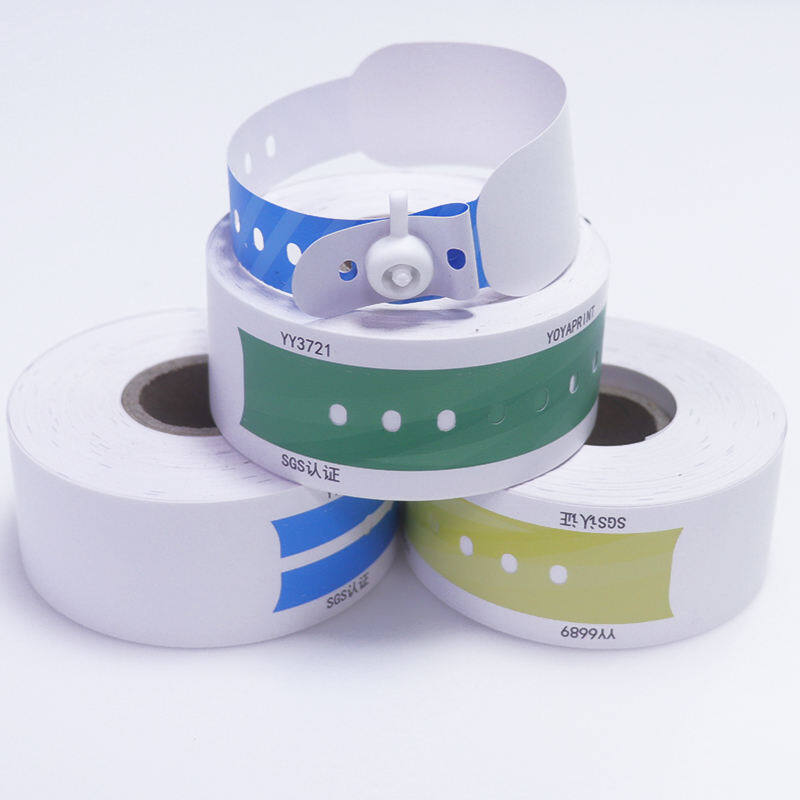
The fourth layer is the printer and media. The printer must be compatible with the wristband material being used, and the print settings—resolution, darkness, speed—must be calibrated to produce a scannable barcode on that specific media. Different departments may have different label requirements: inpatient wristbands are typically long and narrow and made from softer materials for comfort, while laboratory labels may need chemical and temperature resistance. The same media discipline applies across special populations, from bariatric patient wristbands and extended-length wristbands to newborn ankle bands, each of which must print cleanly on its intended stock.
The final layer is verification and audit. The integration should generate logs that record when a wristband was printed, for which patient, and by which trigger event. This audit trail supports troubleshooting, compliance reporting, and quality improvement.
Workflow Automation Patterns and Print Triggers
The value of EHR integration lies in automating print triggers so that wristbands are produced as a byproduct of clinical workflow events rather than as a separate manual task.
Admission-triggered printing is the most fundamental pattern. When a patient is admitted to an inpatient unit, the ADT admission message triggers an immediate print job for the initial wristband. This eliminates the delay between registration and band application, and it ensures that the wristband is available at the bedside when the patient arrives.
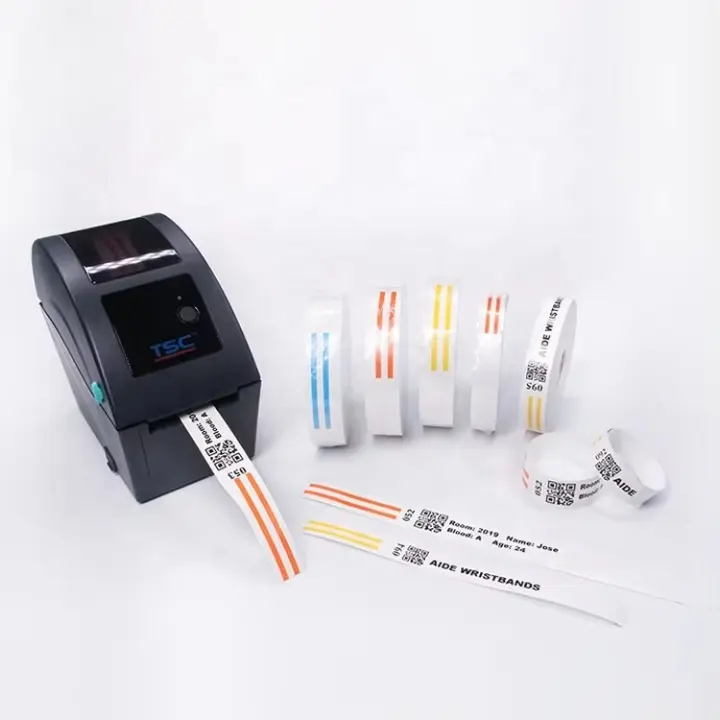
Transfer-triggered printing addresses the reality that patients move between units and that wristbands may be lost or damaged during transport. When an ADT transfer message is received, the system can automatically generate a new wristband with updated location information.
Demographic update-triggered printing handles the cases where a patient's name, date of birth, or other identifying information is corrected after initial registration. Rather than requiring staff to notice the discrepancy and manually reprint, the system can detect the update and generate a replacement band.
Clinical notification printing represents a more sophisticated pattern. Patent literature describes systems that acquire data from specific fields of the electronic health record via HL7 messaging and apply rules to determine whether clinical notifications—such as allergy alerts or fall risk indicators—should be printed on the wearable patient identifier. Rules can be based on diagnostic codes, allergy fields, test results, or computerized provider order entries. This pattern allows the wristband to serve not just as an identifier but as a point-of-care safety alert.
Self-service printing is an emerging pattern that shifts the print trigger from the EHR to the patient or family member. A self-service terminal can allow a patient or caregiver to scan an admission document, verify the displayed information, and initiate printing without nurse involvement. This pattern reduces nursing workload and can improve the timeliness of band application, though it requires careful design to prevent incorrect selections.
Mitigating Human Error Through Integration
The primary motivation for EHR-integrated wristband printing is error reduction. Manual wristband creation—whether handwritten or typed into a standalone printing application—is vulnerable to transcription errors, patient selection errors, and formatting inconsistencies. Research has shown that handwritten wristbands frequently suffer from illegible writing, inconsistent information, and missing fields.
Integration eliminates the transcription step entirely. The data that appears on the wristband is the data that exists in the EHR, passed through an automated pipeline without human re-entry. This is the fundamental safety argument for integration.
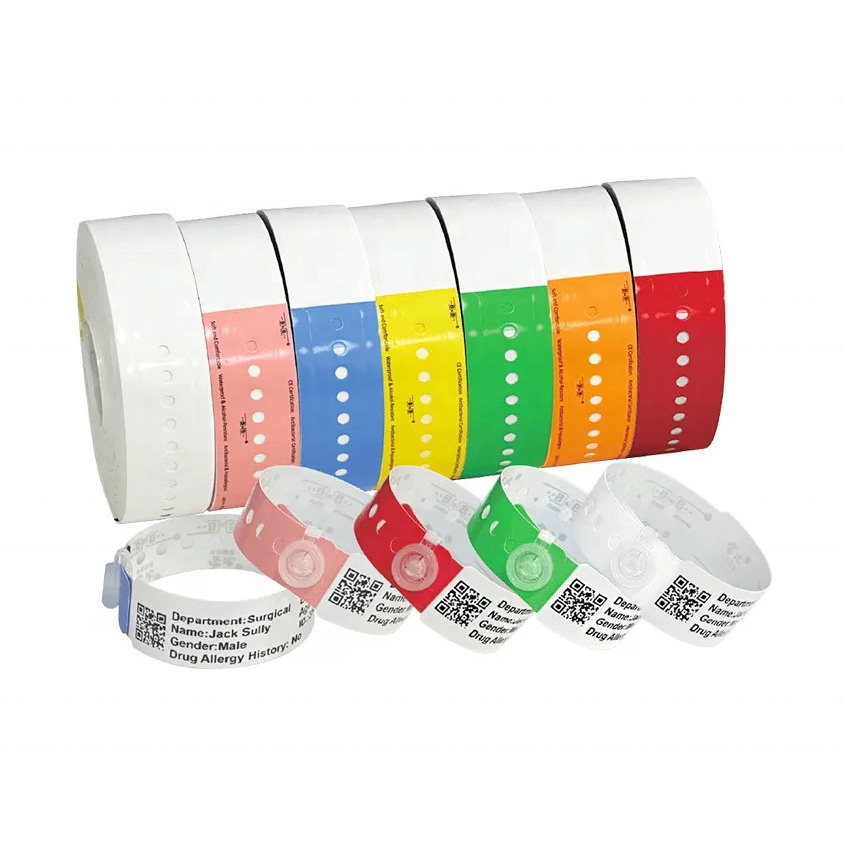
However, integration does not eliminate all error sources. Barcode printing and scanning can introduce errors if equipment specifications are not carefully controlled. A study of bar code misreads found that minor bar code imperfections, failure to control for scanner resolution requirements, and suboptimal printed bar code orientation were sources of incorrect patient identifiers. The study concluded that careful control of bar code scanning and printing equipment specifications is essential to minimize this threat.
This finding has direct implications for integration design. The middleware layer should enforce print settings that are compatible with both the printer and the scanning devices used at the point of care. Barcode module width, print contrast, and barcode height should be standardized and verified. The NHS in England has developed a national standard for AIDC (Automatic Identification and Data Capture) for patient identification that specifies how to encode a GS1 DataMatrix with key patient identifiers on the identity wristband, covering production, printing, and verification rules. Following such standards reduces the risk of interoperability failures between printing and scanning systems, and supports measurable patient identification accuracy benchmarks such as CAP Q-Probes monitoring programs.
Standards and Compliance Considerations
For organizations building wristband printing integrations, several standards and compliance frameworks are relevant.
GS1 standards provide a globally recognized framework for encoding identification data in barcodes. The GS1 DataMatrix symbology is increasingly preferred over linear barcodes for patient identification because it can encode more data in a smaller space and includes error correction capabilities. GS1 application identifiers specify how different data elements—such as the patient identifier, date of birth, and institution—are encoded within the barcode. NHS England's DCB1077 standard mandates GS1 DataMatrix encoding for patient identity bands, specifying the GS1 Global Service Relation Number and Service Relation Instance Number for patient identification.
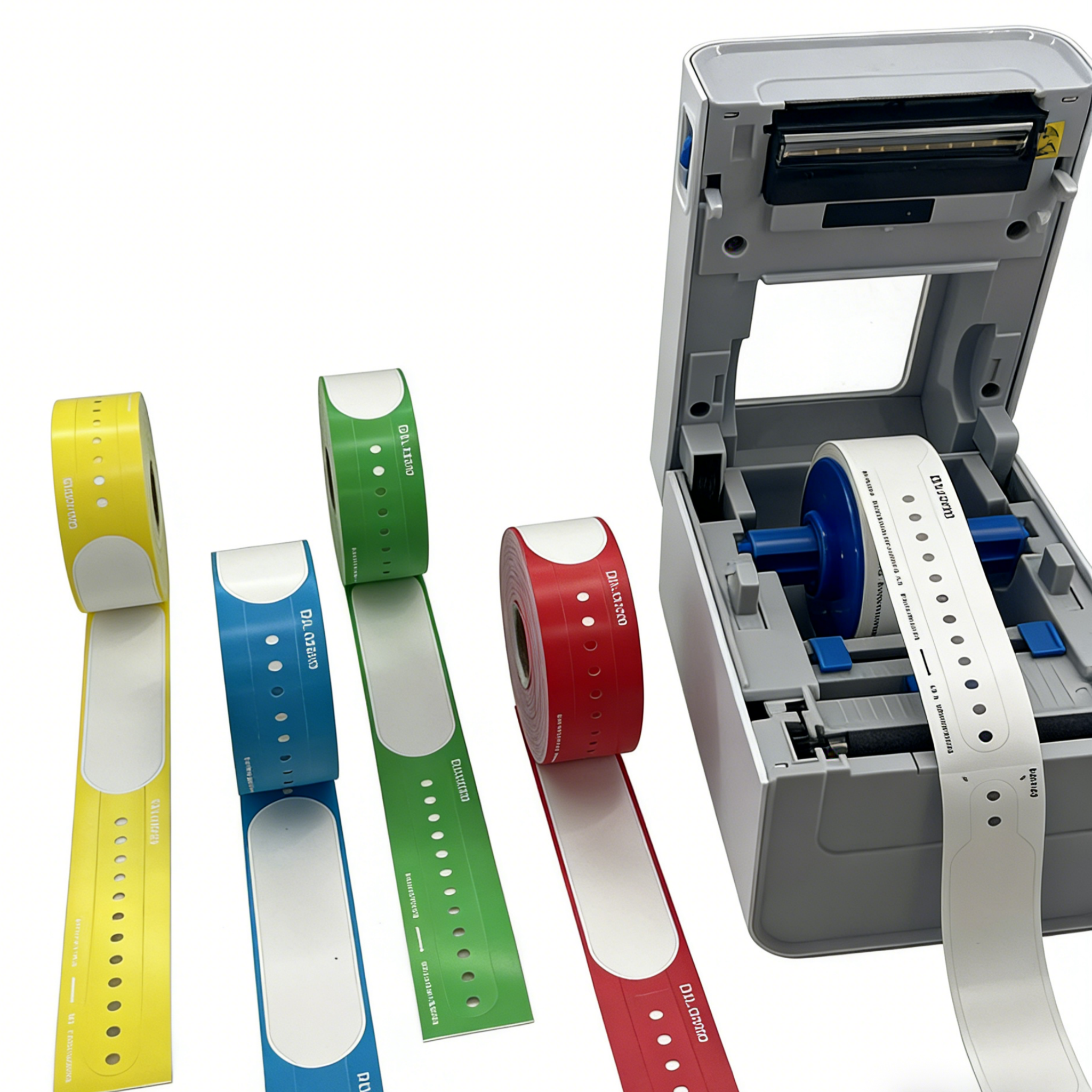
Joint Commission National Patient Safety Goal 1 requires the use of at least two patient identifiers when providing care, treatment, or services. The wristband is a common vehicle for these identifiers, typically the patient's full name and medical record number. Integration should ensure that both identifiers are printed on the band and that they are sourced from authoritative EHR fields.
HL7 FHIR Patient resource provides a standardized data model for patient demographics that can be used by printing middleware. The resource includes fields for identifiers, name, birth date, gender, and contact information, all of which may be relevant to wristband content.
Practical Implementation Guidance
For IT and nursing informatics teams planning a wristband printing integration project, several practical considerations emerge from the evidence and from deployed implementations.
Start with a clear print trigger specification. Define precisely which clinical events should generate a wristband print job. Admission, transfer, and demographic updates are baseline requirements. Consider whether clinical notifications (allergies, fall risk) should also trigger printing.
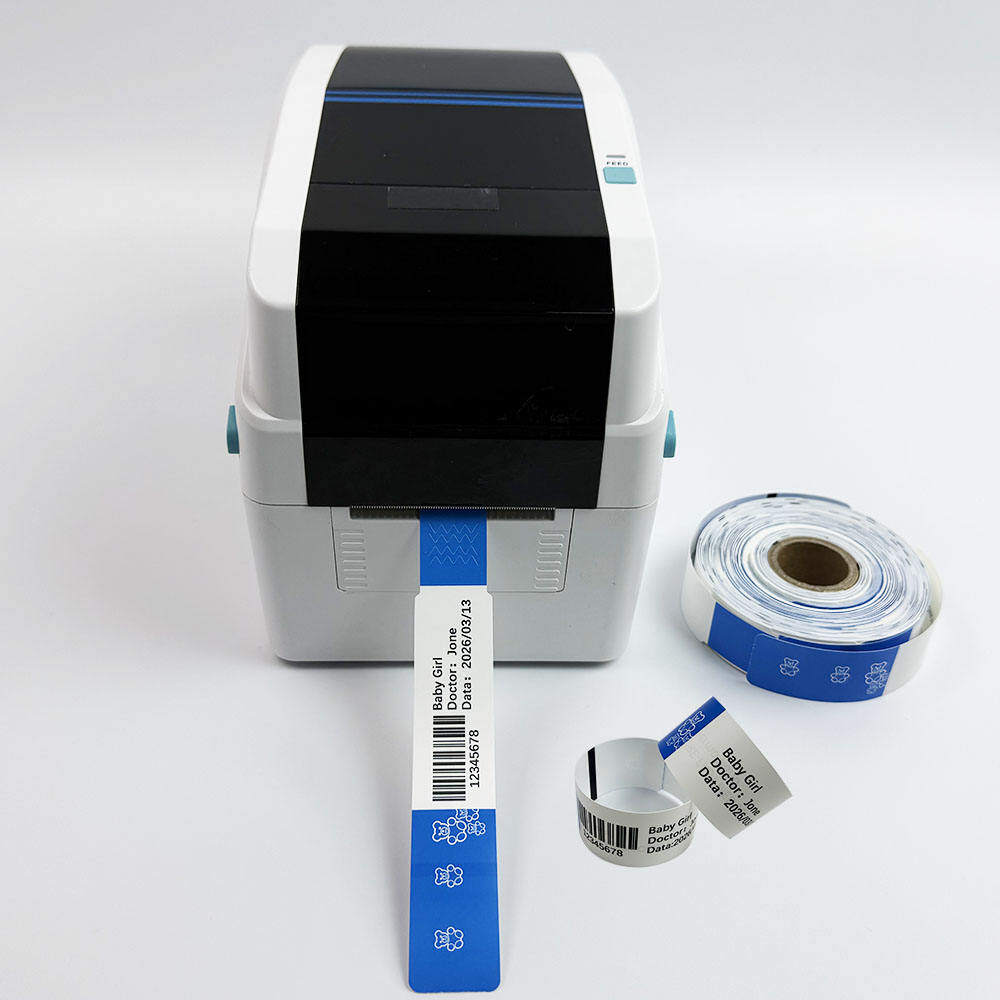
Standardize barcode symbology and print settings. Choose a barcode format—GS1 DataMatrix is recommended for new implementations—and lock the print settings (module width, height, contrast) to values that are compatible with your scanning fleet. Test with actual scanners used at the point of care.
Design for reprint workflows. Wristbands will need to be replaced due to damage, soiling, or patient growth. The reprint process should be as automated as the initial print, with the same verification safeguards to prevent reprinting for the wrong patient.
Plan for printer fleet management. A wristband printing integration will span multiple printers across multiple units. Centralized management tools allow IT to monitor printer health, update configurations, and deploy template changes across the fleet without visiting each device.
Include audit and reporting from the start. Log every print job with patient identifier, timestamp, trigger event, and printer. This data supports troubleshooting, compliance reporting, and continuous quality improvement.
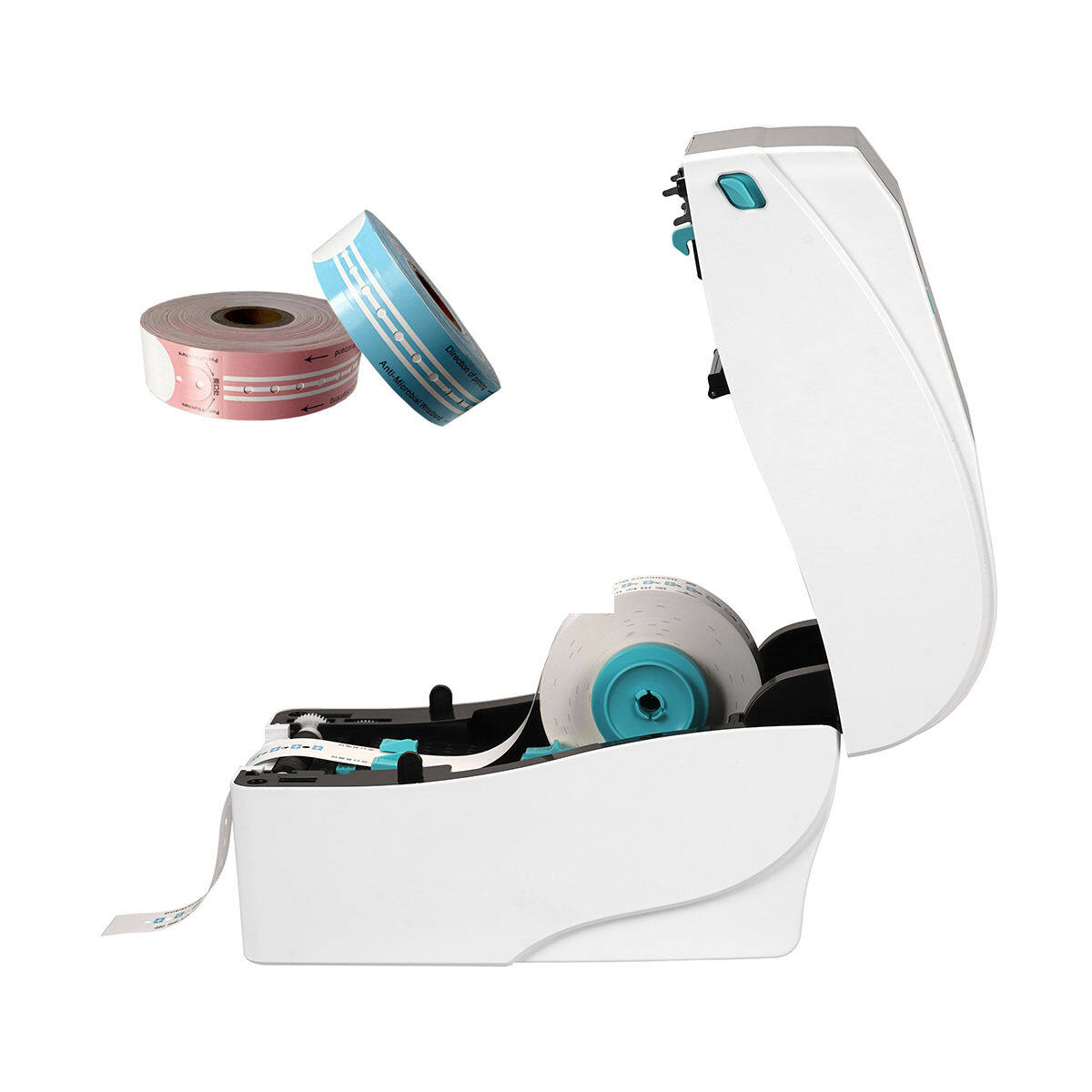
Pilot before scaling. Deploy the integration in a single unit or department first, validate that wristbands print correctly and scan reliably, and gather feedback from nursing staff before expanding. An on-site proof of concept where nurses and clinicians test printers in real-world scenarios can identify issues that laboratory testing misses.
Conclusion
Wristband printing integration with the EHR is not merely a technical convenience. It is a patient safety intervention. By automating the flow of identification data from the electronic record to the printed wristband, organizations eliminate the transcription errors, patient selection mistakes, and formatting inconsistencies that plague manual wristband workflows. HL7 v2 and FHIR each provide viable pathways to this integration, with the choice depending on existing infrastructure and organizational strategy. The critical design decisions—print triggers, barcode standards, verification safeguards, and audit trails—determine whether the integration achieves its safety potential. For IT and nursing informatics teams, the work begins with understanding the clinical workflow that the wristband supports, and then designing the technical architecture to support that workflow reliably, consistently, and at scale.
Continue Reading
Have Questions About Wristbands?
Our team is ready to help you find the perfect wristband solution for your needs. Contact us directly on WhatsApp for quick responses.
Contact on WhatsApp